A Pomodoro timer with guided stretch breaks
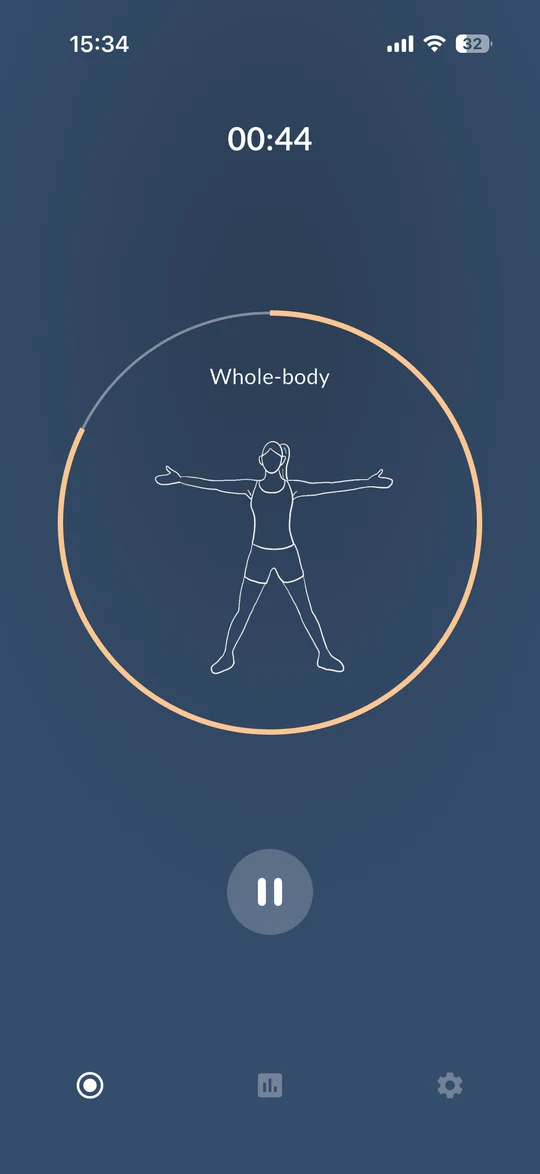
Foca is an ad-free Pomodoro timer for iPhone and Mac that turns every break into a short guided stretch. When a focus session ends, Foca walks you through a stretch for your neck, shoulders, back, hands or legs — with illustrations and voice guidance.


By Foca Studio · Last updated
At a glance
- Foca is a Pomodoro focus timer for iPhone, Mac and Android.
- After each focus session, Foca guides a short stretch with illustrations and voice guidance.
- The stretch routine moves through six areas: neck, shoulders, back, hands, legs and whole body.
- Foca is free to download and has no ads. Foca Plus is optional.
- Foca does not block apps or websites.
How it works
-
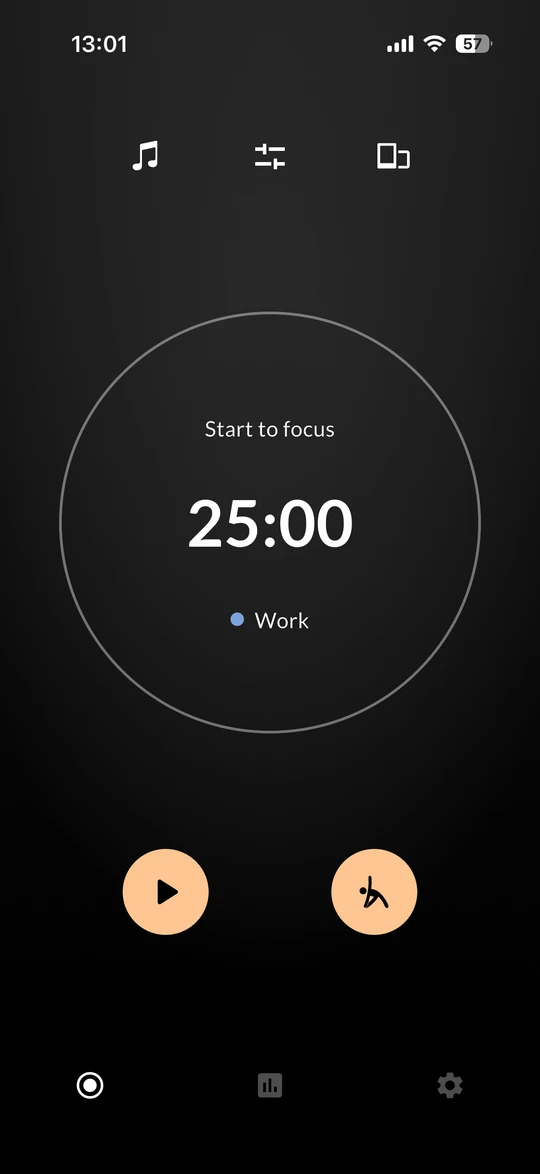 1. Focus
Start a session — 25 minutes by default, or any length you like.
-
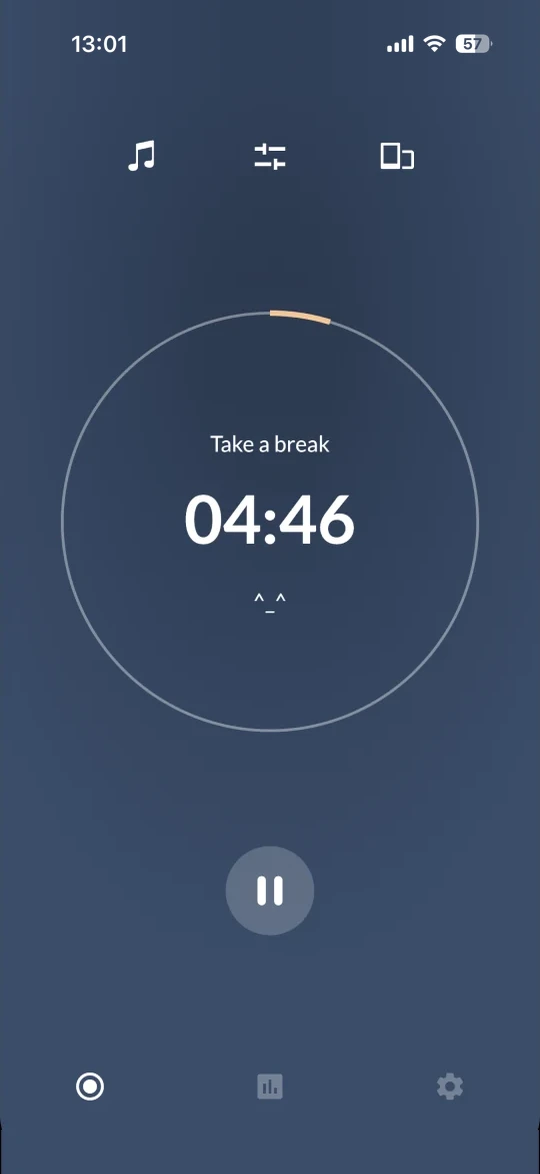 2. Take a break
When time is up, Foca switches to your break.
-
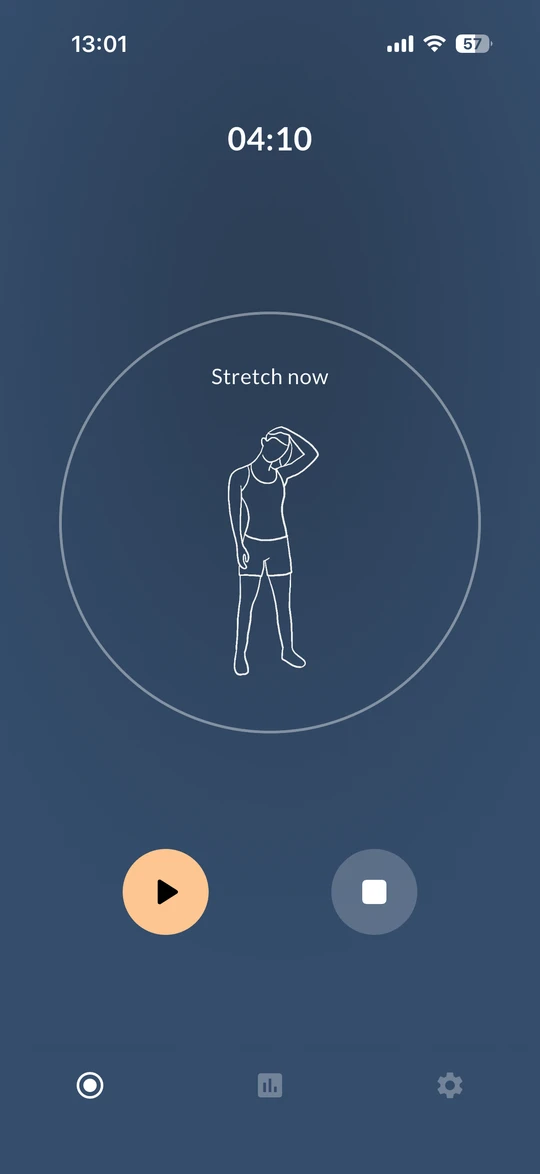 3. Stretch
Follow a short illustrated, voice-guided stretch, then start the next round.
The stretch routine
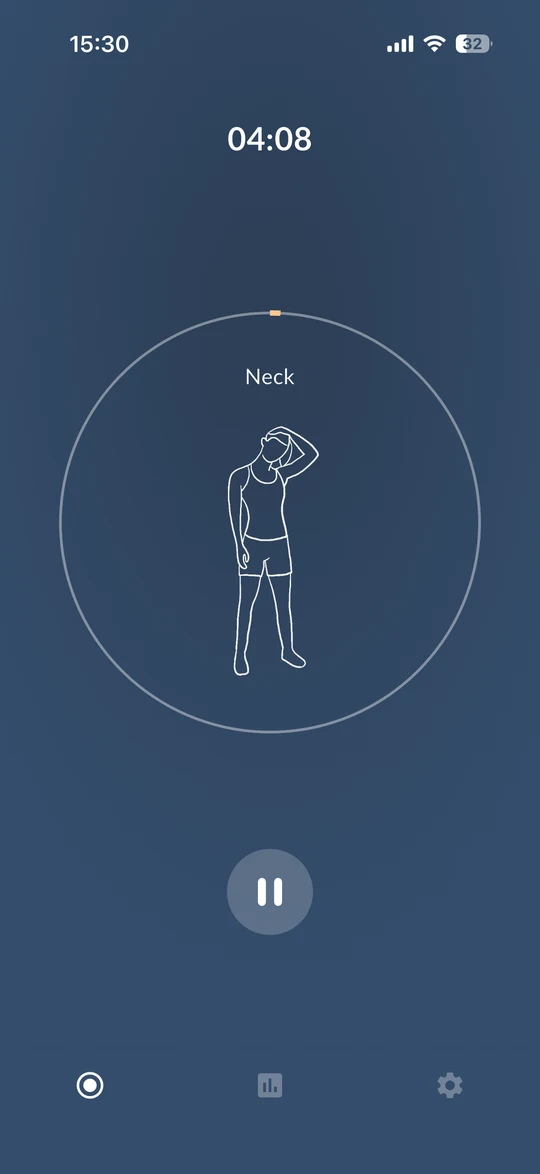
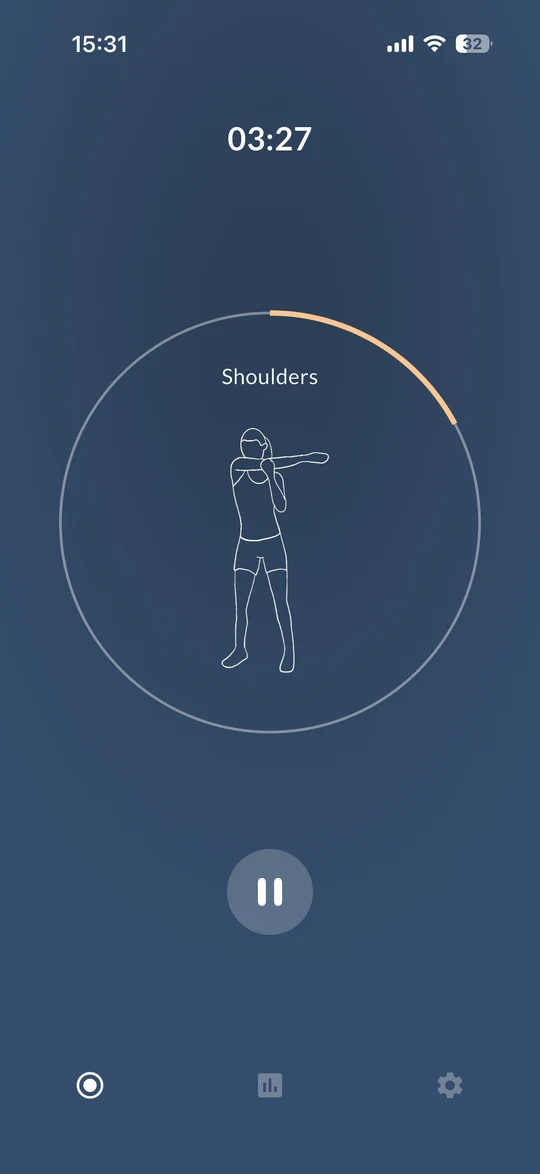
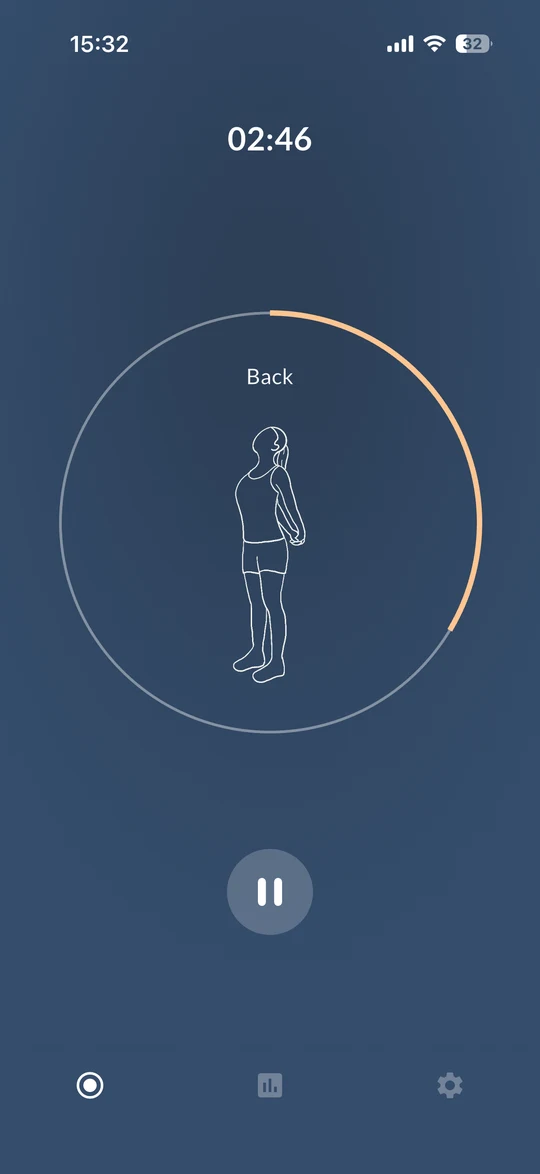
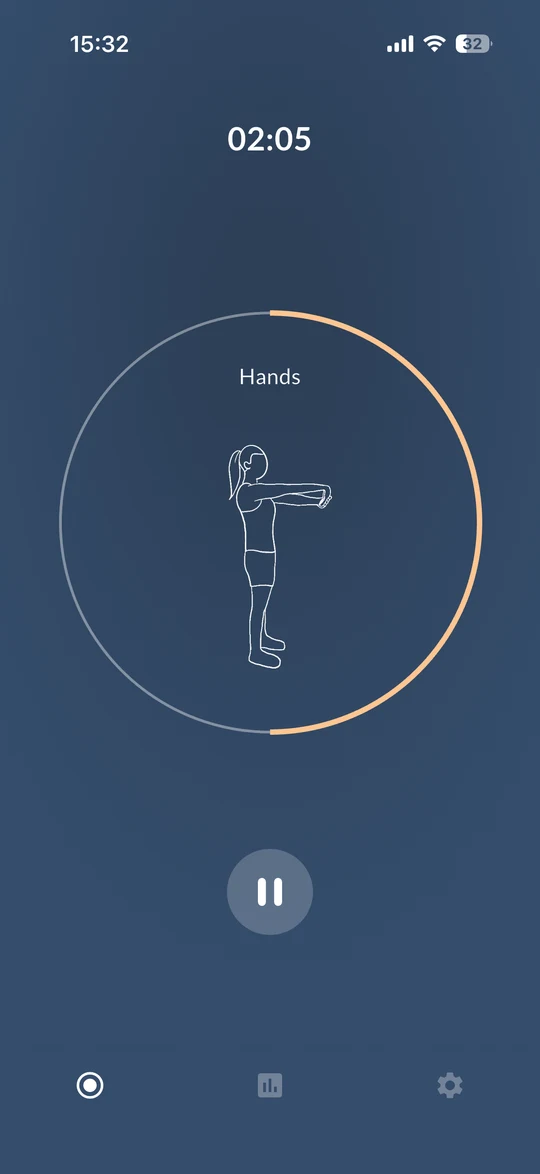
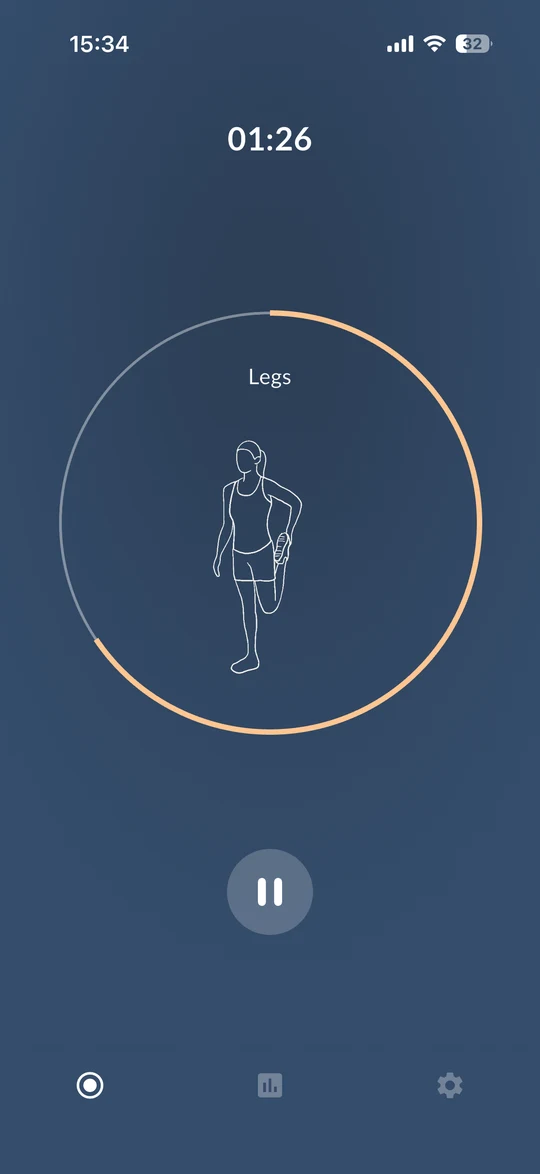
Each break walks you through six moves in order, with an illustration and voice guidance for every one.
“The five minutes stretching exercises of this app make me feel much better after studying sessions.”
“I liked the idea of adding a short exercise tutor as a mood refreshment.”
Why stretch between Pomodoros?
The Pomodoro Technique already gives you a break every 25 minutes. Most of us spend it scrolling. Standing up for a short stretch is a simple way to use that time to move after sitting — and Foca makes it the default, so you don't have to remember.
What's included
- A six-move stretch routine — neck, shoulders, back, hands, legs and whole body — each with an illustration and voice guidance.
- A stretch button on the timer screen, so you can stretch any time — not only after a session.
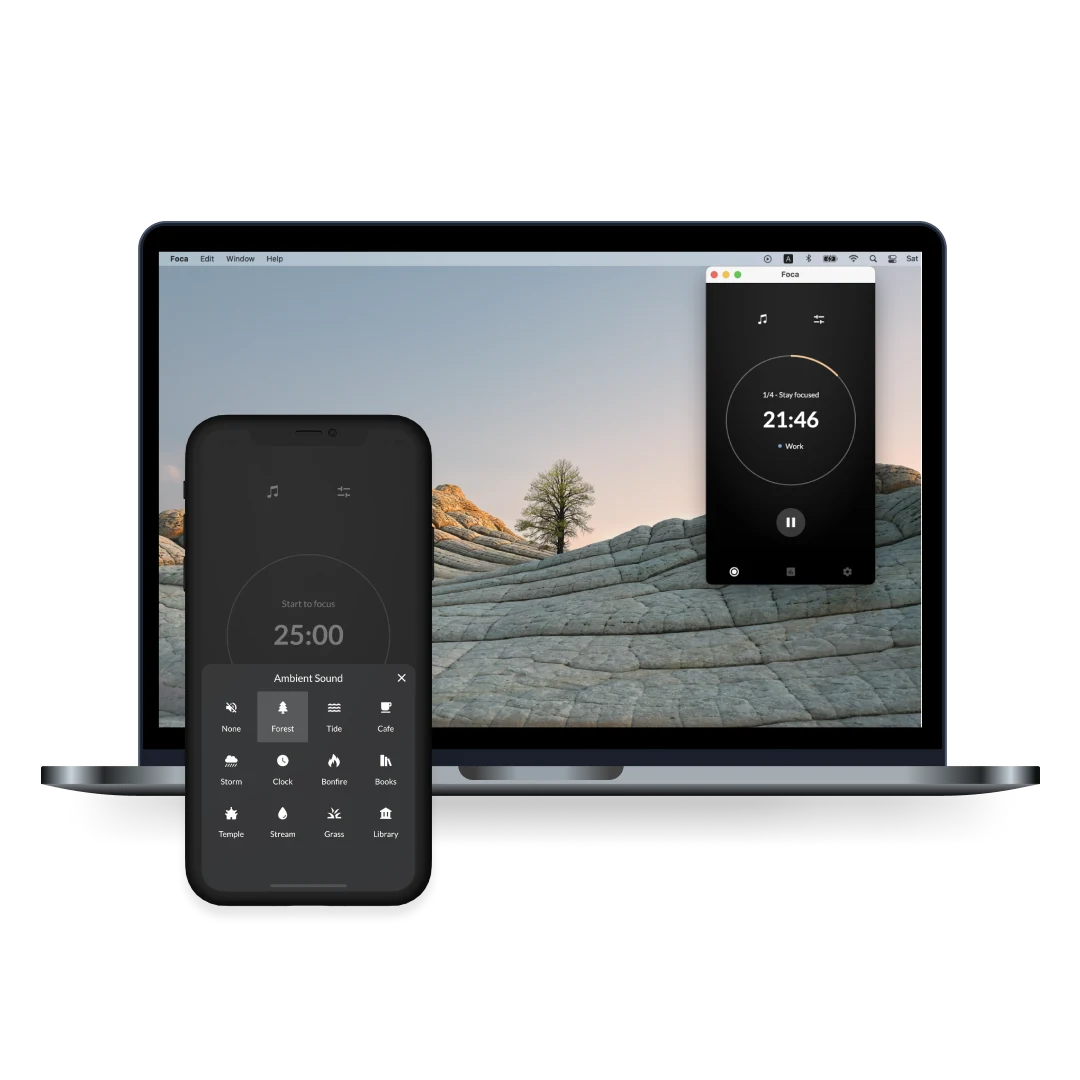
- Ambient sounds for focusing, such as Forest, Tide and Café — with more in Foca Plus.
- Auto-Run chains four focus-and-break rounds without tapping. Set your own number of rounds with Foca Plus.
- Statistics by day, week and category.
On iPhone and Mac
Foca runs on iPhone and Mac, with the same focus timer and stretch breaks on both. It's also available for Android on Google Play.
Free, with an optional upgrade
Foca is free to download and has no ads. Stretch breaks, the focus timer and Auto-Run's default four rounds are free. Foca Plus — monthly, yearly or a one-time purchase — adds more sounds and lets you customize Auto-Run.
FAQ
Is Foca free?
Yes. Foca is free to download and has no ads. Foca Plus is an optional upgrade, available monthly, yearly or as a one-time purchase.
Does Foca work on Mac?
Yes. Foca is available for iPhone and Mac on the App Store, and for Android on Google Play.
Can I stretch without finishing a focus session?
Yes. The stretch button next to the start button opens a guided stretch at any time.
Does Foca block apps or websites?
No. Foca is a timer with ambient sounds and guided stretch breaks. It doesn't block other apps or websites.
Try your next break as a stretch.
Free on iPhone and Mac.